Case studies fully designed from your rough notes
A free skill for Claude. Paste your notes, get a finished case study PDF in your own brand. Your client screenshots never leave your computer.
Two files. Free, MIT licensed. See a sample PDF →
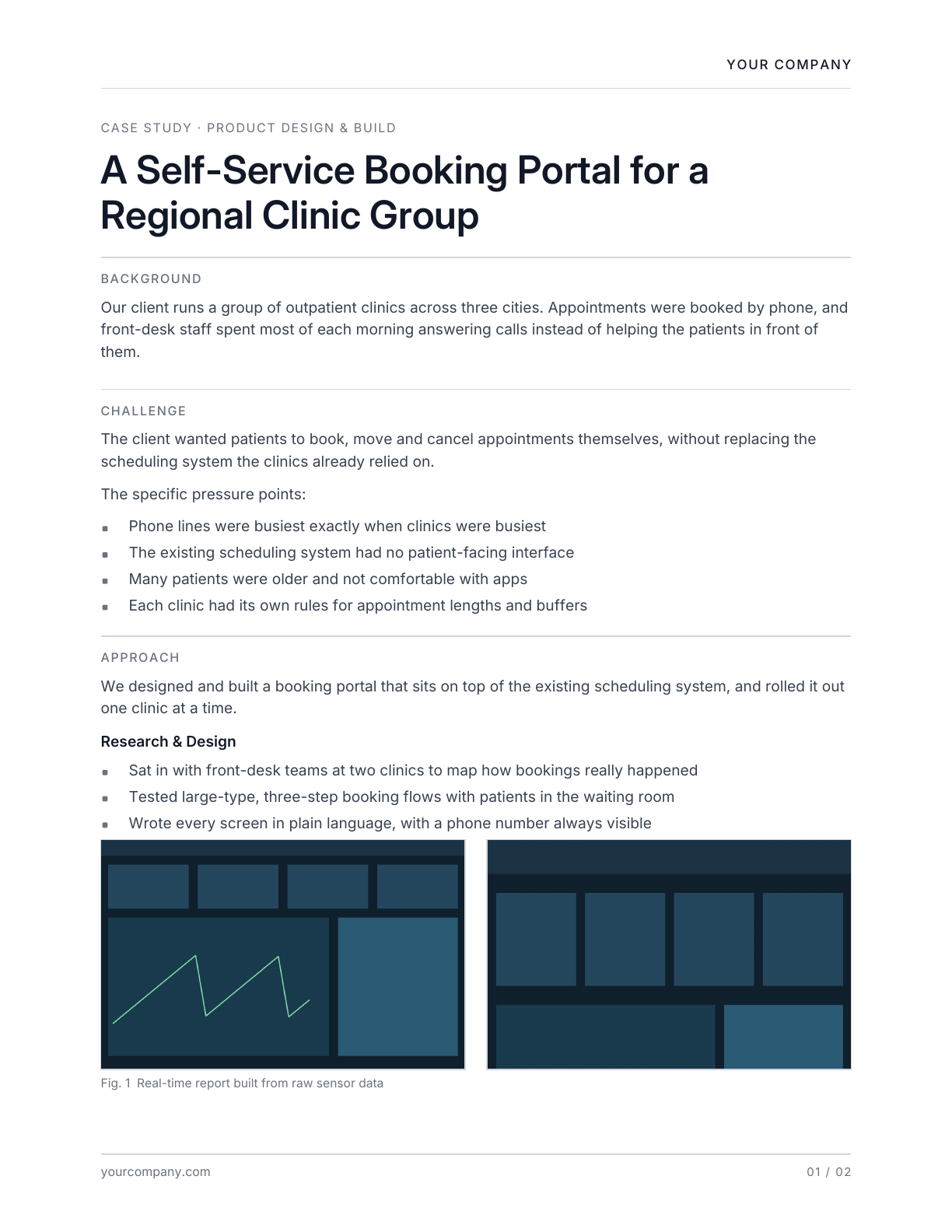
Five steps, about five minutes
Download the two files
The skill, and the image placer. Keep the placer somewhere you will find it again; you reuse the same file for every case study.
Turn on file creation in Claude
In Claude, open Settings, then Capabilities, and turn on "Code execution and file creation". Skills work on Free, Pro, Max, Team and Enterprise plans. On Team and Enterprise, an owner may need to allow skills first.
Add the skill
In Claude, open Settings, then Skills. Press "Add", choose to upload a skill, and pick the file you downloaded. Upload it exactly as it is.
Anthropic's guide to skills→Paste your notes
Tell Claude about the project in your own words. Mark where pictures go with a line like [image: dashboard], or [images side by side: first, second] for two in a row. Claude writes the story, builds the PDF and lists any line it inferred so you can check it. Image positions show as dashed boxes.
The first time, Claude asks for your company name, website and an accent colour. With your first PDF it gives you one line to add to a Claude Project's instructions. Every case study you make inside that Project carries that brand, and you are not asked again. One Project per brand, as many brands as you need.
Client: regional clinic group, three cities
Problem: appointments booked by phone, front desk swamped every morning
What we did: booking portal on top of their existing scheduling system, rolled out one clinic at a time
Sat in with front-desk teams at two clinics
Tested large-type 3-step flows with patients in the waiting room
[images side by side: booking flow, clinic dashboard]
Result: phone bookings down, but I don't have the exact number yet
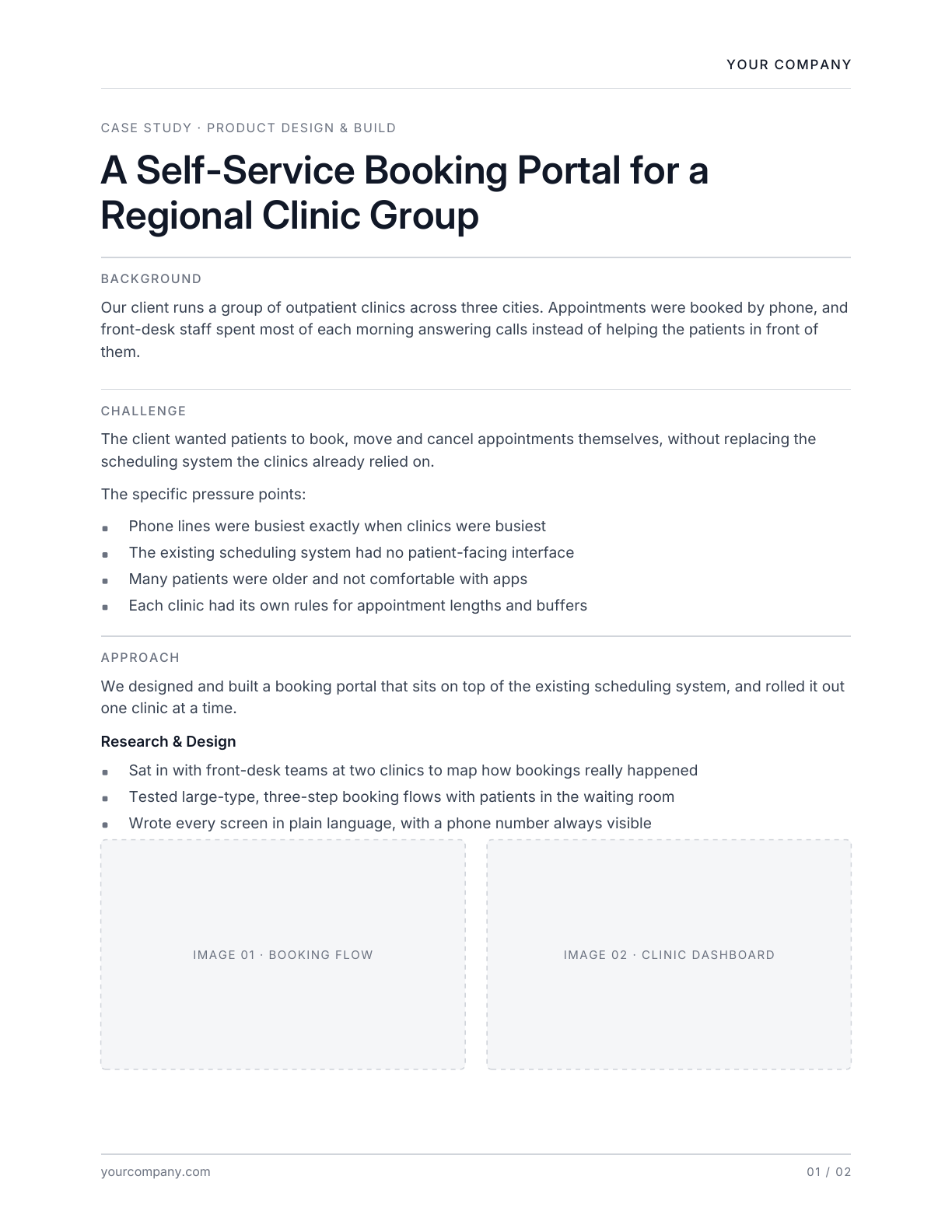
Add your images
Open the draft in the image placer from your computer, drop your screenshots in, and save. The placer works offline and is locked so it cannot connect to the internet. The saved file is your finished PDF.
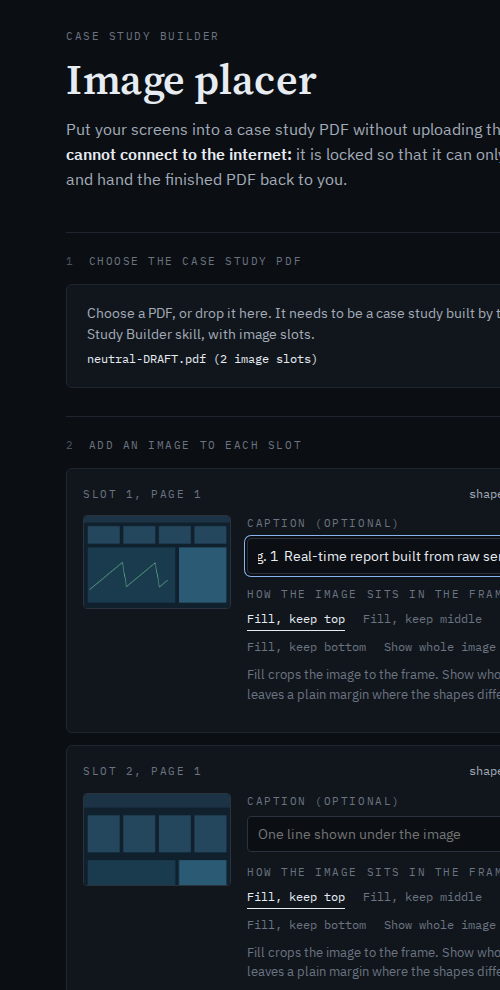
If something does not work
- The image placer opened in a browser tab from our site. It needs to run from your computer. Find Image-Placer.html in your downloads folder and open it from there.
- The placer says the PDF has no image slots. It only works with draft PDFs made by this skill, and only until the images have been placed.
- Claude keeps asking for my brand. Work inside a Claude Project and add the brand line to that Project's instructions.
- The PDF came out in the wrong brand. Check the brand line in the instructions of the Project the chat is in.
What it does not do
- It does not invent results. If your notes have no numbers, the case study has none, and Claude will ask if you have one to add.
- It does not design your brand. It applies your name, website, one accent colour and optionally your fonts to a fixed layout.
- The image placer only works with PDFs made by this skill.
- It is not a case study template you fill in by hand.
Why we built it
We write case studies for prospects, and the screenshots in them belong to our clients. We wanted a fast way to produce a consistent, well-set document without uploading client screens to anyone's servers. So the writing happens in Claude, and the images are added locally. We use our own branded version of this for every Sansrealm case study.
Sansrealm designs products and design systems, and can set up your brand so tools like Claude apply it correctly across the documents your team produces.
Talk to us→Released under the MIT License. Made by Sansrealm. Works with Claude; not affiliated with or endorsed by Anthropic.